
Git 警告 "Pulling without specifying how to reconcile divergent branches is discouraged" 怎么消除
这个警告要求你明确 pull 的合并策略。消除方法三选一:git config --global pull.rebase false(merge)、true(rebase)或 pull.ff only(仅快进)。团队新手建议 ff only,个人项目随意。
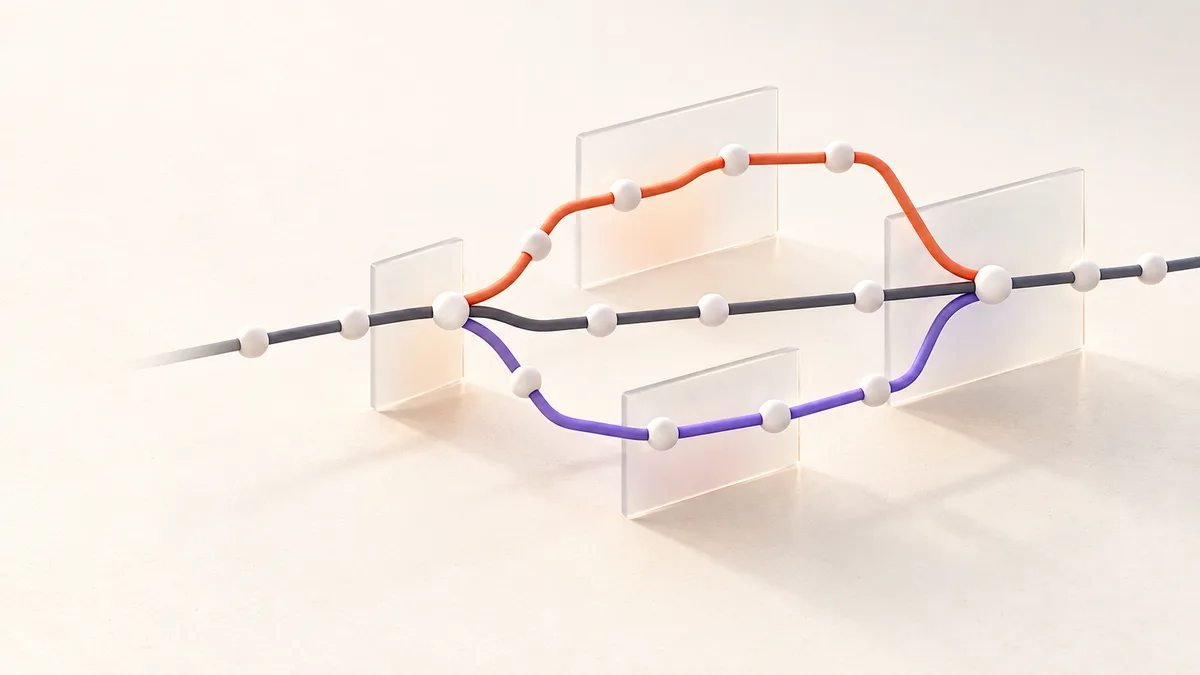
这不是错误,是 Git 要求你明确表态:pull 遇到分叉时到底用 merge 还是 rebase。 设置一次全局配置就永远消除:
git config --global pull.rebase false   # 用 merge(合并提交)
# 或
git config --global pull.rebase true    # 用 rebase(线性历史)
# 或
git config --global pull.ff only        # 只允许快进(最保守)
三种策略怎么选
| 策略 | 行为 | 适合 |
|---|---|---|
| merge(rebase false) | 分叉时产生合并提交 | 团队默认、历史真实 |
| rebase(rebase true) | 你的提交重放到远程之后 | 喜欢干净线性历史 |
| ff only | 分叉时报错,逼你手动处理 | 想完全掌控每次合并 |
单次生效
不想改全局配置,单次指定:
git pull --rebase
git pull --no-rebase    # 强制 merge
git pull --ff-only
为什么 Git 加了这个警告
历史上 git pull 默认 merge,但很多新手不知道 rebase 选项的存在,也不知道分叉时会发生什么。Git 2.27 起加这个警告,推动用户显式选择,避免"默认行为意外"。
常见问题(FAQ)
Q:我是新手,选哪个最不踩坑?
pull.ff only。它在你有本地提交与远程分叉时直接报错,逼你停下来看清楚再决定 merge 还是 rebase——最安全的学习路径。
Q:设置后旧仓库生效吗?
全局配置对所有仓库生效;仓库级 .git/config 里的 pull 配置会覆盖全局。
Q:团队协作推荐什么?
统一约定最重要。常见组合:日常 pull.rebase true(个人提交整洁),合并功能分支用 PR 的 merge/squash。
